You want to run loads, not wrestle with tech. The right ELD solutions for owner operators keep you compliant, save time on paperwork, and protect your CSA score. This guide shows what to look for, how to set it up in minutes, and how to avoid the violations that cost money and stress.
Why an ELD matters for a one-truck business
Your truck is your business. An ELD protects it. You record hours of service with a few taps, prove FMCSA ELD compliance during a roadside inspection, and reduce form- and manner-related errors. You also gain clean logs that help with better rates and steady lanes. When brokers trust your record, you win more freight.
Required ELD features
Before you buy, confirm these must-haves:
- Certified compliance: The provider is listed on the FMCSA registry and supports current hours-of-service rules, including split sleeper and short-haul, as applicable to your work.
- Reliable connection: The device pairs with your ECM through Bluetooth or cable and stays stable during bumps and weather.
- Clear logbook app: You edit status with a tap, add notes, attach documents, and see drive, on duty, off duty, and sleeper totals at a glance.
- Roadside view: One button shows inspection mode. Officers see a clean summary without extra screens.
- DVIR and documents: You complete DVIR, snap photos, and store BOLs in the same app.
- Back-office portal: You can view past logs, violations, and reports from any browser.
- Support: Real humans answer fast, 24 by 7, with simple steps that fix issues on the spot.
BYOD or dedicated hardware
You have two solid paths.
BYOD: You use your own phone or tablet with a small engine dongle. You save money up front, carry one device, and update the logbook app through the app store. Keep a dedicated mount and a power cable in the cab so the phone stays charged. Lock notifications and calls during driving to avoid distractions.
Dedicated unit: You buy or lease a fixed tablet that lives in the cab. You get a bright screen, a rugged case, and a setup that never leaves the truck. This route costs more but avoids personal phone issues. If you want a simple, always-there experience, a dedicated unit is a good choice.
Many owner-operators start with BYOD to keep costs down. If you later prefer a single-purpose screen, you can switch to a dedicated unit without changing your account.
Can I set up an ELD in 15 minutes?
Yes. You can finish the setup in one short stop. Here is the flow:
- Create your account and add a vehicle and VIN.
- Plug in the engine dongle and turn the key to power.
- Pair the app to the dongle. The app confirms ECM data.
- Choose your cycle and exemptions.
- Run a test drive for a few minutes.
- Open inspection mode to confirm the roadside view.
You now log duty status and drive time with live totals and alerts.
Pricing you can understand
Simple pricing beats hidden fees. Look for a flat monthly rate that includes the app, updates, support, and cloud storage. Ask these questions before you sign:
- Do I pay extra for DVIR or roadside transfer
- Do you charge an activation or shipping fee
- Do I commit to a full year, or can I go month to month
- What happens if the device fails on the road
- Can I pause billing during long maintenance or downtime
If you run a few trucks, also ask about a small fleet discount. Many providers offer deals that fit a two to five-truck plan. You might find the best ELD for small-fleet pricing lands near your current single-truck rate.
Common violations to avoid
What are the top ELD log mistakes, and how do I avoid them
You avoid the big three by checking your app before you roll. You change to Drive only when the truck moves. You certify logs at the end of each day. You fix unassigned driving events with a note as soon as you park.
Add these habits to your day:
- Start of day check. Confirm your cycle, location services, and pairing.
- Status discipline. Switch to On Duty for fueling, loading, and inspections.
- Notes matter. Add a short reason when you edit a status.
- Certify daily. Tap Certify before you shut down.
- DVIR daily. Complete DVIR on the app and attach photos if needed.
These steps keep your logs clean and ready for any inspection.
BYOD best practices
If you choose BYOD, run it like a pro:
- Use a sturdy mount within easy reach of the driver’s window.
- Keep a dedicated charging cable and a spare.
- Turn on app auto-updates over Wi-Fi so you stay current.
- Limit other apps during driving to protect performance.
- Carry a paper log backup in the cab as a safety net if any device fails.
Dedicated unit best practices
If you install a fixed tablet:
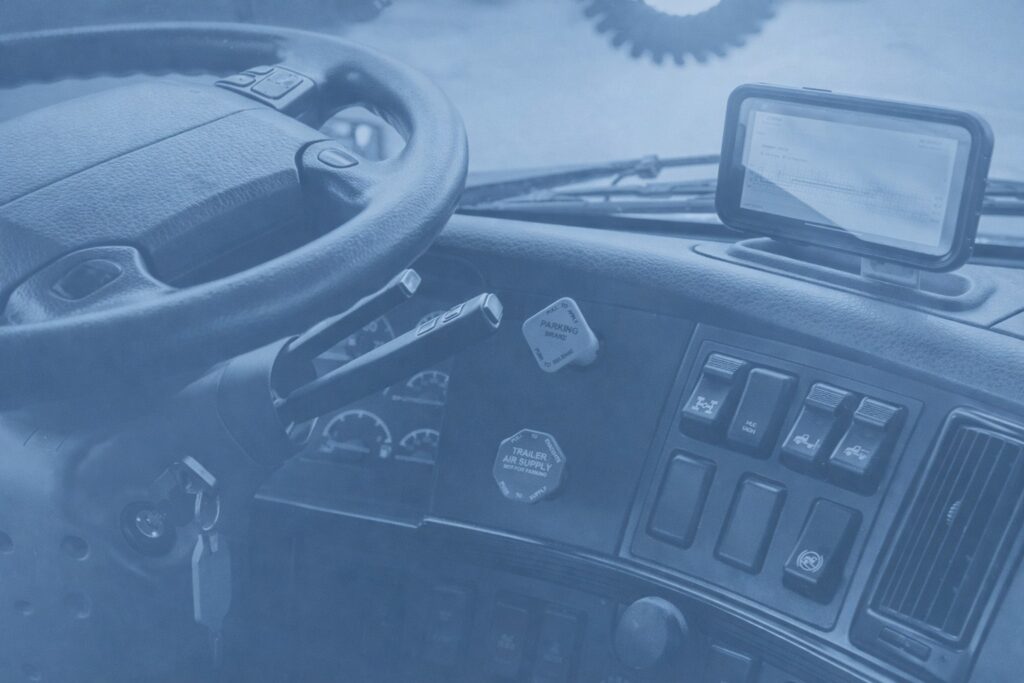
- Mount it where the officer can see it from the window.
- Hardwire power with a clean path and fuse.
- Lock the device with a passcode and kiosk mode to block random apps.
- Keep a small microfiber cloth to clear the screen before inspections.
How to pick the right provider
Use this quick checklist when you compare eld solutions for owner operators:
- FMCSA is listed with strong reviews
- Clean logbook app with one-tap inspection mode
- Split sleeper and short-haul support if you need them
- Fast setup with clear videos and phone support
- Month-to-month plan with no surprise fees
- BYOD and dedicated options under one account
- Simple DVIR and document capture
- Data export and roadside transfer that works every time
If a vendor cannot show a live demo in under ten minutes, keep shopping.
Some ELDs add features that cut costs and admin time:
- IFTA mileage reports by state to speed up filings
- Basic GPS breadcrumb view to check the last known location
- Fuel and idle reports for better coaching and cost control
- Maintenance reminders tied to engine hours or miles
You do not need every bell and whistle. Pick the features that support your lanes and your customers.
The bottom line
You do not need a complex system to stay compliant. A simple, reliable ELD keeps you on top of hours of service, protects your score, and saves time every week. Start with BYOD if you want a lower cost. Move to a dedicated screen if you want a fixed setup. Either path delivers clean logs and smoother inspections.